
visual-STORE Store Planning Tool for Professionals
Are you looking for a flexible and powerful industry solution for your store fitting planning? Then visual-STORE is the perfect choice for you. With our software, your options are virtually limitless – whether you're an outfitter, manufacturer, or architect, our users come from all areas of the industry. It doesn't matter if you're a small shopfitter or a large, well-known company; with visual-STORE, you can plan your projects efficiently and professionally. Our software offers you an intuitive user interface, extensive functions, and high flexibility. Trust in the experience and expertise of our users and get started with visual-STORE today.
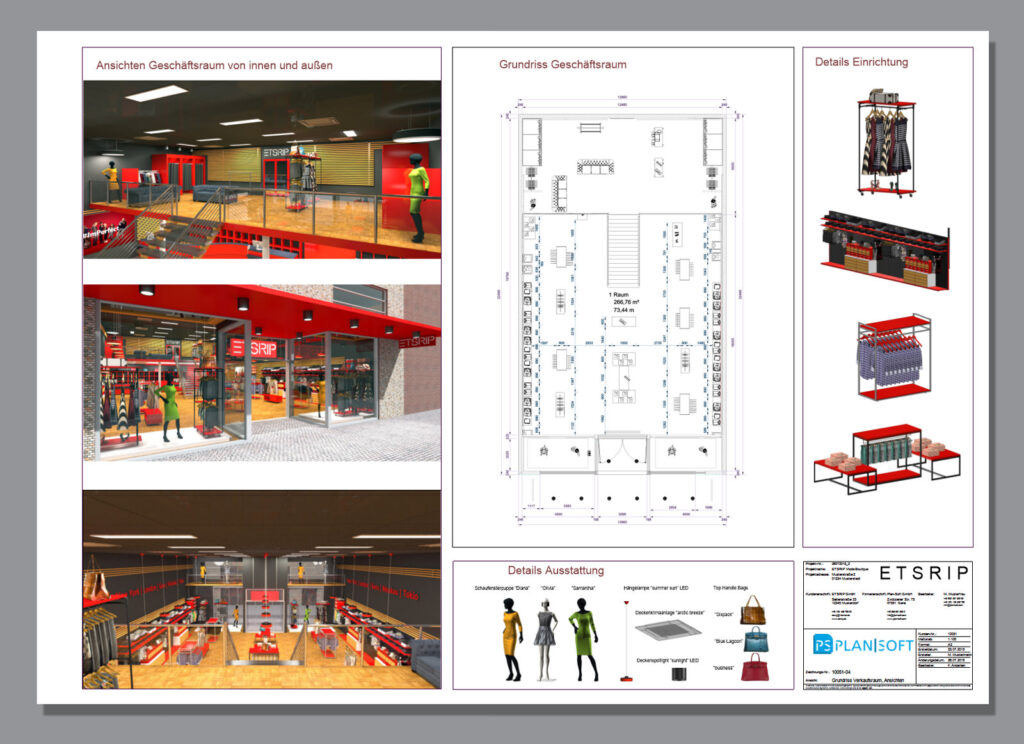
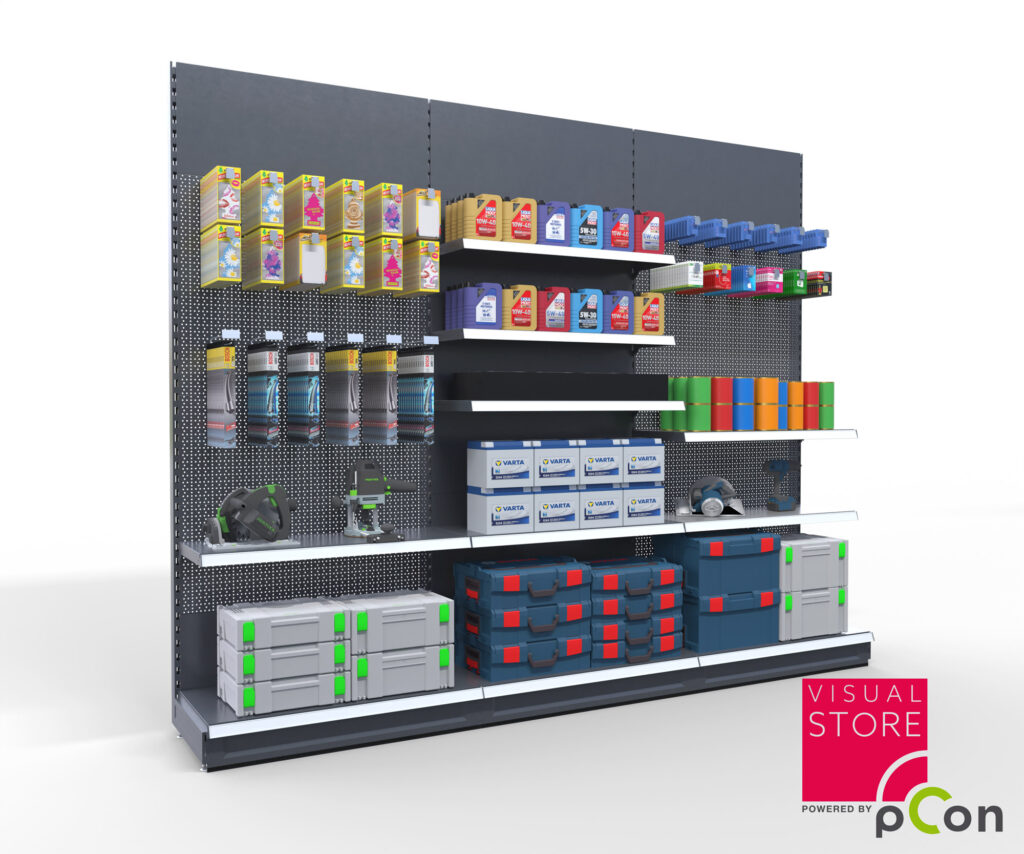
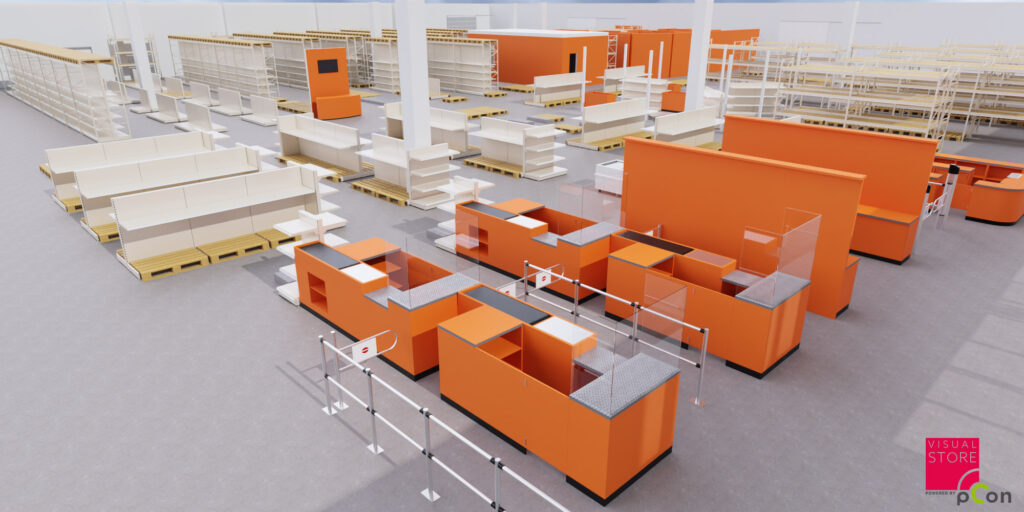
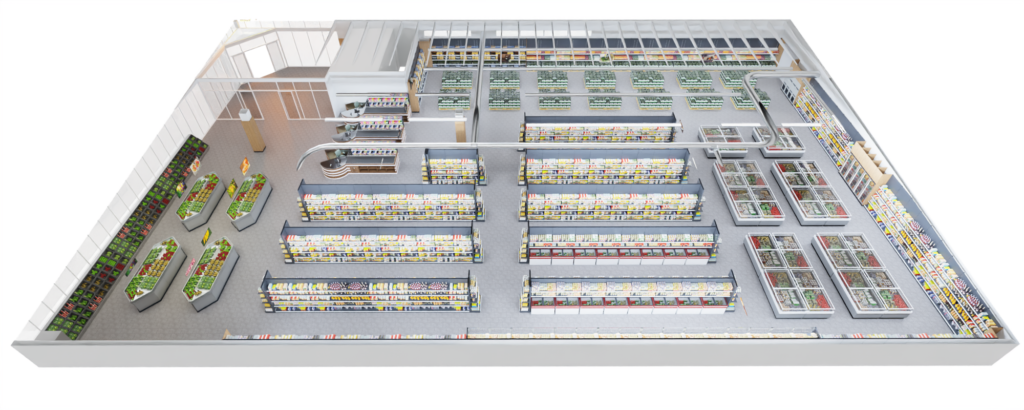
Fields of application
- Supermarket planning
- Hardware store planning
- Tobacco shop planning
- Service station planning
- Interior design planning
- Shop-in-Shop Planning
- Individual planning 2D, 3D, etc.
The following data formats are supported
- DWG – *.dwg
- DXF – *.dxf
- SketchUp® – *skp
- Drawing Template – *.dwt
- OFML Scene – *.fml
- ACIS SAT – *.sat, *.sab
- OMFL – Environment *.env
- 3D Studio – *.3ds
- EasternGraphics EOX – *.eox (pCon.planner PRO)
- Industry Foundation Classes – *.ifc
- DWG – *.dwg
- DXF – *.dxf
- Drawing Template – *.dwt
- ACIS SAT – *.sat, *.sab
- 3D Studio – *.3ds
- SketchUp® – *skp
- Industry Foundation Classes – *.ifc
- OFML - Scene - *.fml
- OMFL – Environment *.env
- OFML Group – *.ogrp (pCon.planner PRO)
- Renderstile – *.rstyle
- EasternGraphics EOX – *.eox (pCon.planner PRO)
- Bitmap file – *.bmp
- Graphics Interchange Format – *.gif
- JPEG image file - *.jpg
- Portable Network Graphics - *.png
- Targa – *.tga
- Tagged Image File Format – *.tif
- pCon.basket Offline Project – *.obk
- Alias OBJ – *.obj
- GL Transmission Format glTF *.glTF
- Autodesk FBX *.fbx
- Collada DAE
- StereoLithography, Standard Tessellation Language STL *.stl
- DWG 2000 (R15), 2004 (R16), 2007 (R17), 2010 (R18), 2013 (R19), 2018 (R20) – *.dwg
- Drawing Template – *.dwt
- Drawing Interchange Format - *.dxf
- DWG 2000 (R15), 2004 (R16), 2007 (R17), 2010 (R18), 2013 (R19), 2018 (R20) – *.dwg
- Drawing Interchange Format - *.dxf
- Drawing Template – *.dwt
- 3D Studio – *.3ds
- COLLADA – *.dae
- 3DWeb – *.3dweb
- Autodesk® FBX (Version 6) – *.fbx
- Autodesk® FBX (Version 7) – *.fbx
- Alias OBJ – *.obj
- SketchUp® – *.skp
- Enhanced Metafile – *.emf
- Scalable Vector Graphics – *.svg
- Bitmap file – *.bmp
- JPEG image file - *.jpg
- Portable Network Graphics - *.png
- Tagged Image File Format – *.tif
- Piranesi Extended Pixel Format – *.epx
- Exchange Format for Autodesk® Revit® Software – *.rgfx (pCon.planner PRO)
- EasternGraphics OBK – *.obk
The information listed here represents only a portion of the possible data formats for interfaces and will be expanded or optimized at any time.